
How To Calibrate A Line Counter Reel
Measure 100 feet of line, save what your reel counter reads, and use that correction when calculating trolling line out.
Depth Vector Guide. Updated October 10, 2026.
Check The Counter Against Measured Line
A reel counter can disagree with the length of line leaving the reel. Spool fill and line diameter affect the reading, so check the reel with the line you actually fish.
For example, if 100 measured feet reads 110 on the counter, save 110 as the reading at 100 actual feet. Depth Vector uses that correction when it calculates the setting for this rod.
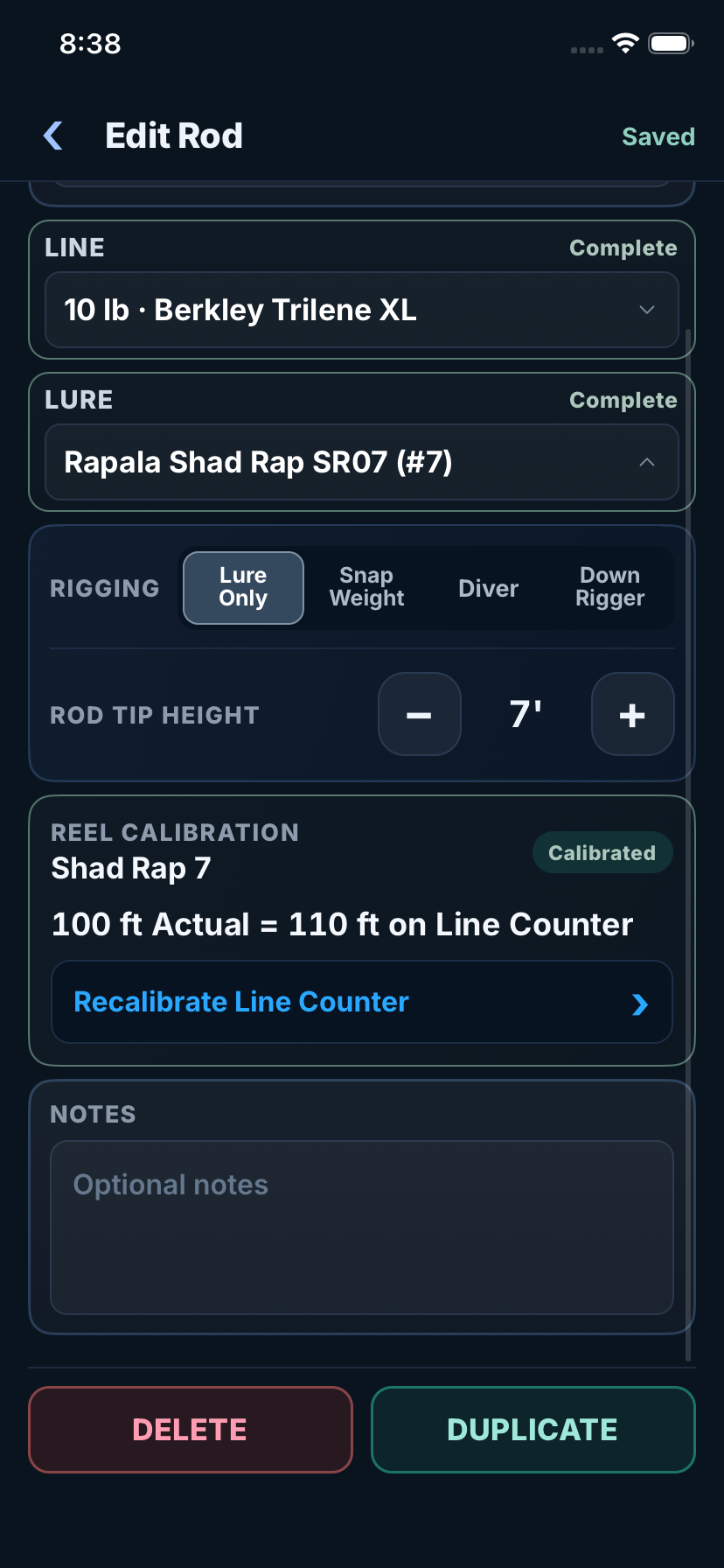
Open The Screen Full Size
Measure And Save The Reading
- Measure a 100 foot distance with a tape or another reliable length reference.
- Start with the line end at the rod tip and zero the reel counter.
- Pull out 100 measured feet under light tension and note the counter reading.
- Open Calibrate Line Counter in Edit Rod or through Calculation Details. Enter what the counter read at 100 actual feet.
- Save the calibration with the rod. Recheck after changing line or spool fill.
The app needs the counter reading at 100 measured feet. Measuring the line released when the counter reaches 100 answers a different question.
Line Error And Depth Error Are Different
If the counter reads 100 while 118 feet of line is out, the setup has 18 feet more line than the counter suggests. That does not mean the lure is 18 percent deeper. Running depth does not increase in a straight proportion to line length.
Calibration helps you repeat the intended amount of line. The depth calculation still depends on the lure, line, speed, rigging, and conditions.
Check The Other Measurements Too
The reel also counts line above the water. Measure the rod tip height above the water for the way you fish that rod, typically 3 to 4 feet. If your sonar measures depth from the transducer, save its depth below the waterline in Boat Setup. If it already reads from the waterline, use zero for that offset.